Taming a Noisy Homelab
How I traced HDD clicking and fan spikes back to software — using
iotop, sensors, Docker inspection, and CPU affinity tuning.
The Problems
Two Devices, Two Noise Sources
What seemed like hardware failure turned out to be workload behavior in both cases.
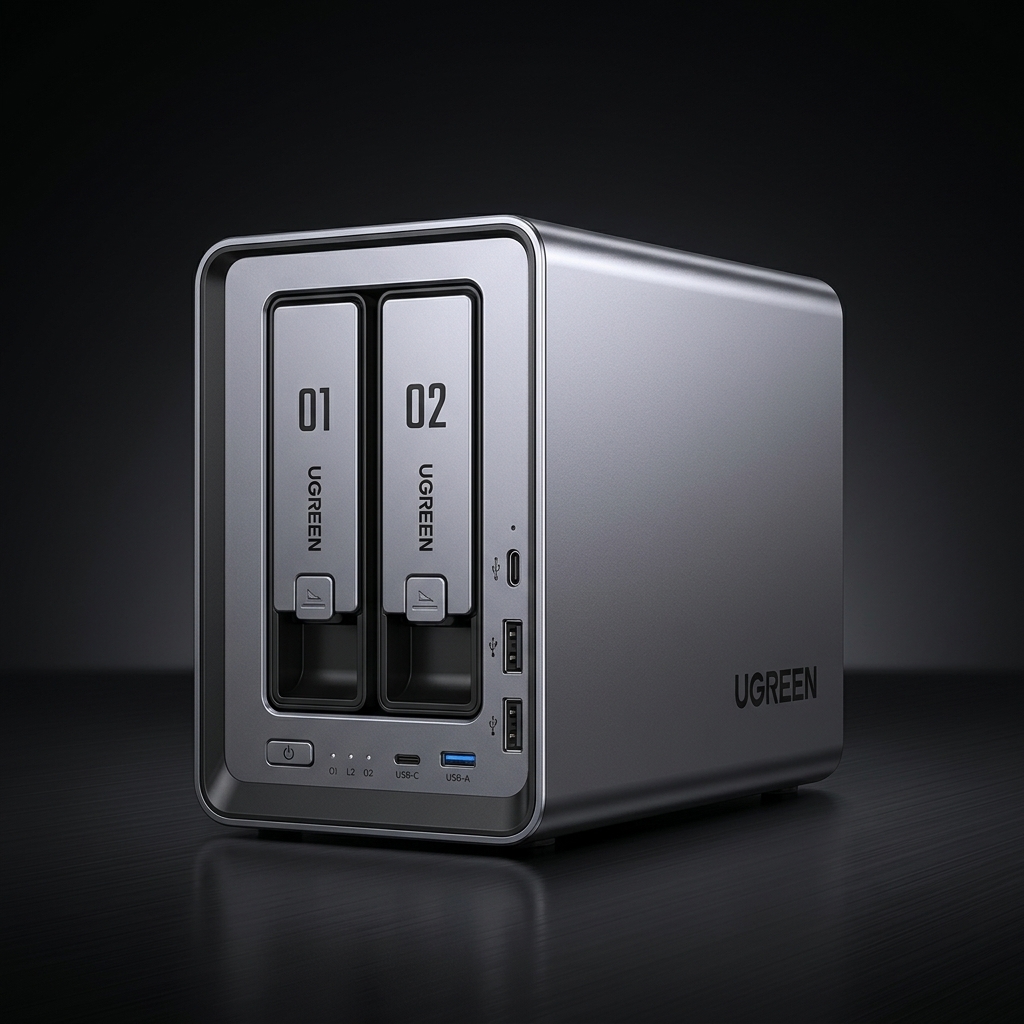
HDD Clicking & Chatter
- Mechanical clicking from HDD-backed Docker storage
- Gitea + Gitea Runner generating frequent small writes
- Repeated runner retries creating constant I/O churn
- Random writes on HDD are unexpectedly loud
- Stopping containers silenced the disks entirely
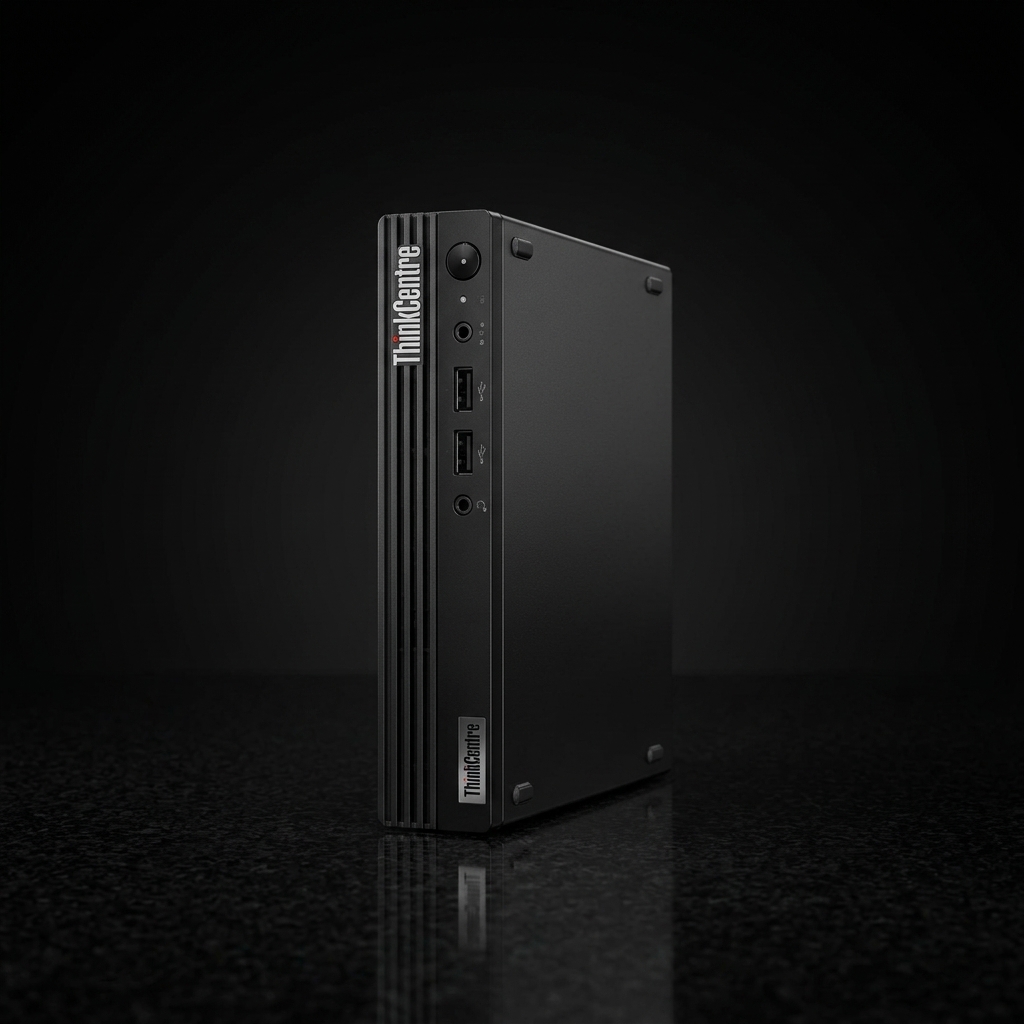
Proxmox Fan Ramping
- Fan spinning up aggressively every few seconds
- Heavy background VMs spread across all cores
- Board temp at 76°C, CPU package at 69°C
- Pinning background VMs to specific CPU lanes reduced heat
- Workload placement in SFF hosts matters enormously
Results
Before vs After
Measurable improvements from software-only changes — on both devices.
Diagnosis
Root Cause Troubleshooting
Two parallel investigation paths that converged on the same lesson.
iotopdocker inspectsensorshtoptasksetTuning Models
Workload Placement Models
Practical models to separate priority workloads from background noise, and chatty I/O from mechanical disks.
Commands
Key Commands Used
A handful of targeted commands that revealed the root causes.
# === PHASE 2: RESOLUTION === # Temporarily stop the noisy containers $ docker stop gitea gitea-runner # Edit the application configuration to dial back the aggressive logging $ sudo nano /volume1/@docker/volumes/.../conf/app.ini # Restart the containers with the quieted configuration $ docker start gitea gitea-runner
# === PHASE 2: RESOLUTION === # Immediately (but temporarily) test the fix by pinning the live VM $ taskset -cp 12-19 <PID> # Make the CPU affinity permanent for that specific VM $ qm set 310 --affinity 12-19 # Pin high-priority Database container (LXC) to performance cores $ pct set 800 --cpuset 0-11
Resolutions
The Fixes & Next Steps
Turning diagnosis into actionable improvements for a quieter lab.
1. Immediate
Stop Gitea Runner manually when not actively running CI pipelines.
2. Tuning
Reduce noise in app.ini by setting LEVEL=warn and disabling router/SQL logs.
3. Ideal
Move chatty Docker app data off mechanical drives and onto SSD/NVMe.
- NAS Implement "quiet-hours" using cron routines to gracefully spin down the dev stack at night.
- Proxmox Enforce CPU placement persistently at boot using documented systemd service overrides.
- Developer tools on HDD-backed storage can be surprisingly loud
- Compact hosts react strongly to unfocused background load
- Observability + smart placement = dramatically quieter homelab
The final lesson: Storage tiering, workload isolation, and diligent observability matter just as much in a small homelab as they do in enterprise environments. Treating your home infrastructure like a production system prevents "spooky behavior" and transforms your living room space back into the quiet environment it was meant to be.